



SIM Service Guidance
Keep using your phone with SIM card! Just use them, no need to return them.

SIM(Data)
What is SIM(Data)?
SIM(Data) is a service to get unlimited access to LTE data for a desired period of
1 day/2 days/3 days/4 days/5 days/6 days/7 days/8 days/9 days/10 days/15 days/
20 days/30 days/60 days/90 days. (continue to use at a maximum speed of 100Mbps)
You can use SIM(Data) card exchange simply with your own mobile phone without having to return.
Service steps
-

Step.1
Online purchase
-

Step.2
Visit the airport roaming center
-

Step.3
Use in Korea
- It can be purchased on the official website or at the airport roaming center.
- Mobile data is available regardless of the passport information verification status, however incoming/outgoing calls and text messages are only available after the passport information has been verified.
- All SIM products can be purchased (up to five products per person) via the official SK Telecom website or the roaming center at the airport.

SIM (Data) - Why choose SK Telecom?
 Recommendation
Want unlimited mobile data, and some extra discounts and perks?
-
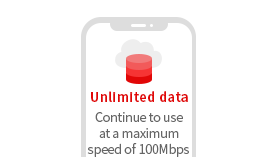
Unlimited use of data during the period of use.
-
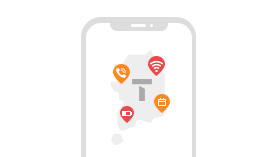
You can receive international and domestic text messages for free.
(However, the existing number will be changed to the SIM number.)
-
m-VoIP (Voice Talk, Face Time, etc.) service is available within the amount of data.
-
Enjoy free and discounted offers at SK Telecom partner shopping malls, amusement parks, and more using your transportation card and Royal Palace Pass!
Pricing and Benefits
With the purchase of a 3 days or more, we provide a transportation card and an admission ticket to experience the cultural heritage sites of Korea.| Service Period | Price | Standard Benefits | Exclusive Benefits from SK Telecom |
|---|---|---|---|
| 1days(24hours) | 6,500KRW |
1.
Unlimited mobile data
2.
Free incoming calls and
texts within Korea 3.
M-VoIP supported
Voice Talk (KakaoTalk), Facetime, etc.
|
-
-
Benefit 1
Free
transportation card
3,000KRW
0KRW
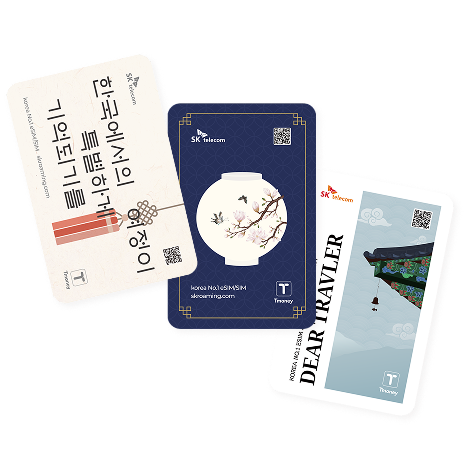
Benefit 2
Free
Royal Palace Pass
10,000KRW
0KRW
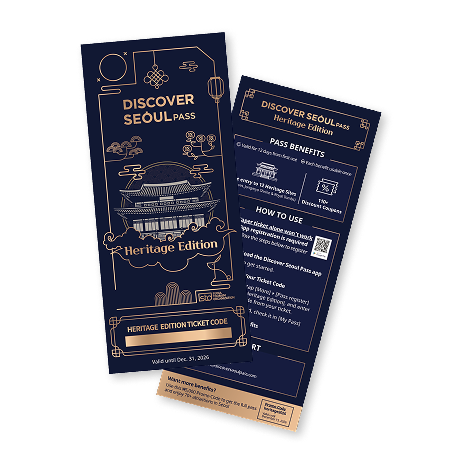
|
| 2days(48hours) | 12,000KRW | ||
| 3days(72hours) | 18,000KRW | ||
| 4days(96hours) | 23,000KRW | ||
| 5days(120hours) | 27,500KRW | ||
| 6days(144hours) | 31,900KRW | ||
| 7days(168hours) | 35,000KRW | ||
| 8days(192hours) | 36,300KRW | ||
| 9days(216hours) | 37,400KRW | ||
| 10days(240hours) | 38,500KRW | ||
| 15days(360hours) | 55,000KRW | ||
| 20days(480hours) | 60,400KRW | ||
| 30days(720hours) | 71,500KRW | ||
| 60days(1,440hours) | 107,000KRW | ||
| 90days(2,160hours) | 143,000KRW |

| Service Period Price |
Standard Benefits | Exclusive Benefits from SK Telecom |
|---|---|---|
|
1days(24hours)
6,500KRW
|
1.
Unlimited mobile data
2.
Free incoming calls and
texts within Korea
3.
M-VoIP supported
Voice Talk (KakaoTalk), Facetime, etc.
|
-
-
Benefit 1
Free
transportation card
3,000KRW
0KRW
Benefit 2
Free
Royal Palace Pass
10,000KRW
0KRW
|
2days(48hours) 12,000KRW | ||
3days(72hours) 18,000KRW | ||
4days(96hours) 23,000KRW | ||
5days(120hours) 27,500KRW | ||
6days(144hours) 31,900KRW | ||
7days(168hours) 35,000KRW | ||
8days(192hours) 36,300KRW | ||
9days(216hours) 37,400KRW | ||
10days(240hours) 38,500KRW | ||
15days(360hours) 55,000KRW | ||
20days(480hours) 60,400KRW | ||
30days(720hours) 71,500KRW | ||
60days(1,440hours) 107,000KRW | ||
90days(2,160hours) 143,000KRW |
How to Use the Royal Palace Pass
-

Step.1
Purchase
Step.1
Purchase
-

Step.2
Verify purchase and
check your ticket codeStep.2
Verify purchase and
check your ticket code -

Step.3
Download and log
in to the DSP AppStep.3
Download and log
in to the DSP App -

Step.4
Register the ticket code
in the DSP AppStep.4
Register the ticket code
in the DSP App -

Step.5
Visit heritage sites
Step.5
Visit heritage sites
- No discounts or partial refunds will be provided regardless of whether the Heritage benefits are used (transportation card and attraction tickets).
- The Royal Palace Pass cannot be used for entry with the ticket code alone and must be used according to the designated procedures.
- For dual nationals (holding both Republic of Korea and foreign citizenship), data services are available, but voice/SMS services are restricted.
- The Royal Palace Pass grants free admission to 12 beautiful palaces, including Gyeongbokgung Palace, Deoksugung Palace, Changdeokgung Palace, Changgyeonggung Palace, Jongmyo Shrine, and the Joseon Royal Tombs.
- The pass allows one-time entry to each site within 12 days from first use.
- The registration and usage period for the Royal Palace Pass is valid until December 31, 2026. Any unused portion will automatically expire.
Considerations
- Once the case is opened, you cannot request a refund. (Refunds cannot be processed after 30 days from the date of purchase due to credit card company policy.)
- Please confirm the compatibility of your device, as country-locked phones and tablet PCs not equipped with voice call features cannot be used.
- You can receive voice and text messages for free. (Not applicable for 1-day pass)
- The prepaid USIM data product is a short-term rental product valid for 180 days after purchase and cannot be used after.
- 1 day/2 days/3 days/4 days/5 days/7 days/8 days/9 days/
10 days/15 days/20 days/30 days/60 days/
90 days are applied every 24 hours from the moment you scan the eSIM QR on the mobile phone. - You can use unlimited data during the usage period. (You can use data continuously at a speed up to 100Mbps.)
- This SIM does not support the NFC function.
- All SIM products can be purchased (up to five products per person) via the official SK Telecom website or the roaming center at the airport.
- This product cannot be charged for [voice/text(outgoing)].
- Personal authentication services and text message receipt for payments are unavailable.
- All incoming/outgoing calls and text messages are unavailable until the passport information has been verified. (Data is available for use regardless of whether or not the passport information has been verified)
- Incoming calls and text messages are only available after the passport information has been verified.
- Passport information verification is available for only one product per passport. Passport information verification is not available for multiple products with one passport)
- All eSIM/SIM (data) 1-day plans do not require passport information verification.
Passport information verification
-
Step.1
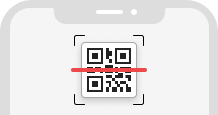
Scan the passport information verification QR code in your paper or online voucher.
-
Step.2
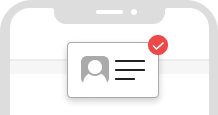
Verify your passport information on the page accessed by scanning the QR code.
-
Step.3
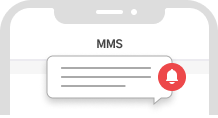
After completing the steps, please check the text message received.
- Passport information verification is only available between 8 AM and 10 PM, and is not available at other times.
- If you wish to verify passport information outside the available hours online, please proceed with the verification process at the airport roaming center.
- All incoming/outgoing calls and text messages are unavailable until the passport information has been verified. (Data is available for use regardless of whether or not the passport information has been verified)
- Incoming calls and text messages are only available after the passport information has been verified.
- The roaming customer service center (+82-2-6343-9000) is available for incoming/outgoing calls regardless of the passport information verification status.
- Passport information verification is available for only one product per passport. Passport information verification is not available for multiple products with one passport)
- No additional verification procedure is required after the first confirmation of passport information.
- All eSIM/SIM (data) 1-day plans do not require passport information verification.
SIM usage
- iOS
- Android
-
-
Step.1
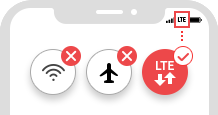
Set Wi-Fi and Airplane mode OFF,
and cellular data ON
(Models after iPhone6 are LTE enabled Data) -
Step.2
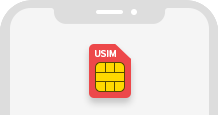
Turn off your mobile device and place a SIM inside.
-
Step.3
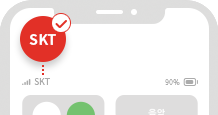
Check if the phone is displayed as “SKT”
- If not displayed as a service area
Turn on and off your mobile phone until you see the antenna.
If "Not in service area" is still displayed after repeatedly turning off and on your mobile phone, please move to a new location and try again.
- When displayed as No SIM card
Turn off and on your mobile device two or three times with the SIM inserted.
Turn on your mobile device and dial #758353266#646# from the Phone application. When the "Do you want to download USIM?" window appears, click OK.
Please check your APN settings if "SKT" is displayed as your mobile carrier but there is no data connection.
-
1Settings
-
2More networks
-
3Mobile networks
-
4Access point name
If manual settings are not possible (if Cellular Data Network does not appear)
In case of the latest iPhone model, APN manual settings may be blocked, so if you cannot see the Cellular Data Network,
please proceed as follows. -
-
-
Step.1
Turn off your mobile device and place a SIM inside.
-
Step.2
Turn on your mobile device, then disable airplane mode and activate the data network.
-
Step.3
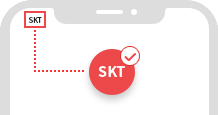
Check if the phone is displayed as “SKT”
- If not displayed as a service area
Turn on and off your mobile phone until you see the antenna.
If "Not in service area" is still displayed after repeatedly turning off and on your mobile phone, please move to a new location and try again.
- When displayed as No SIM card
Turn off and on your mobile device two or three times with the SIM inserted.
Turn on your mobile device and dial #758353266#646# from the Phone application. When the "Do you want to download USIM?" window appears, click OK.
Please check your APN settings if "SKT" is displayed as your mobile carrier but there is no data connection.
-
1Settings
-
2More networks
-
3Mobile networks
-
4Access point name
-
How to set up APN
- iOS
- Android
-
- Settings → General → Reset → Reset Network Settings, then restart to use
- (If ① fails to resolve issue) Visit unlockit.co.nz after connecting to Wi-Fi → Click CreateAPN at the bottom → Enter country/carrier information → Click CreateAPN → Restart profile “installation” to use
-
- If recognized automatically
Please select an APN below.
APN : lte.sktelecom.com
- If not recognized automatically
Go to "Add New APN" in the menu, then enter the following information and save it.
APN : lte.sktelecom.com MMS PROXY : lteoma.nate.com MMSC : http://omms.nate.com:9082/oma_mms
MCC : 450 MNC : 05
How to verify the authenticity of detailed passport information - SKT
to Know Before Using SKT Products
Verification method
-
Step.1Install the eSIM on your phone by scanning
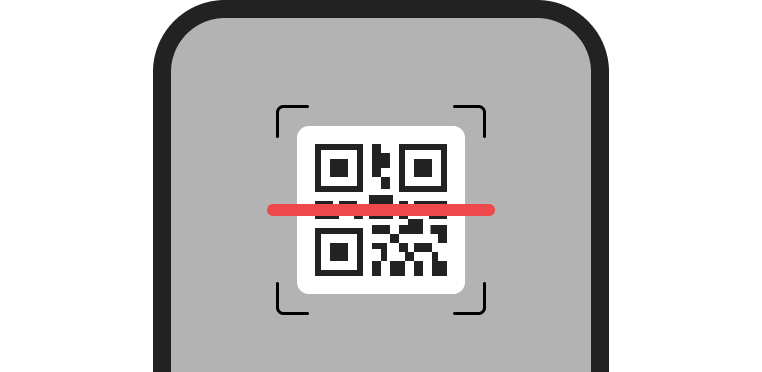
the QR code on the voucher -
Step.2Check SKT & data usage
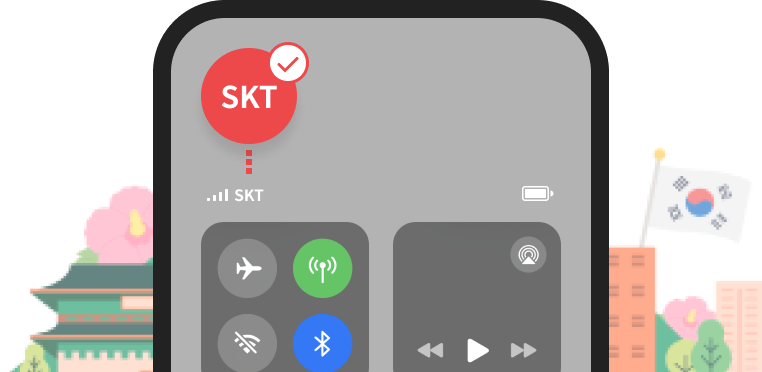
after arriving in Korea -
Step.3Enter the passport information
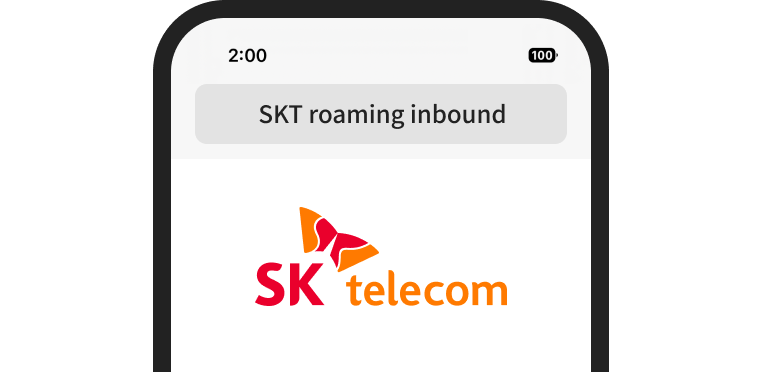
verification page
(https://www.skroaming.com/passport/) -
Step.4Enter the mobile phone number and rental contract number on the voucher
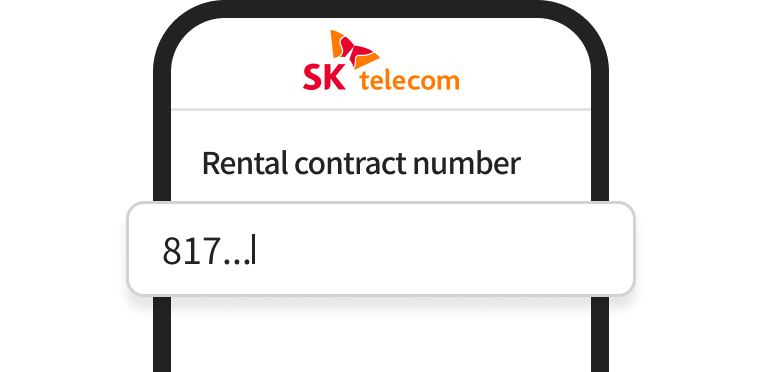
-
Step.5Enter your passport information
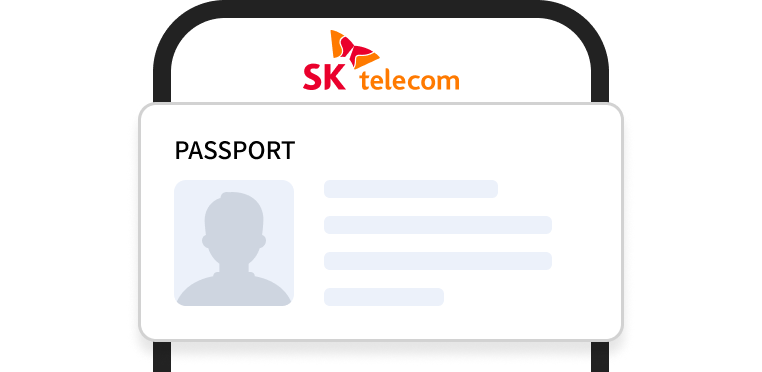
(i.e., last name, first name, passport number, date of birth, nationality)
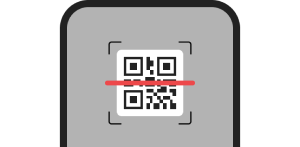
the QR code on the voucher
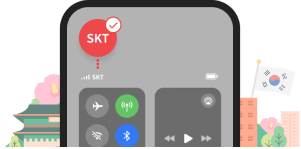
after arriving in Korea
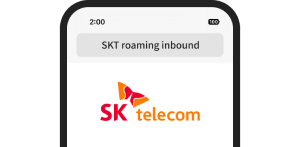
verification page
(https://www.skroaming.com/passport/)
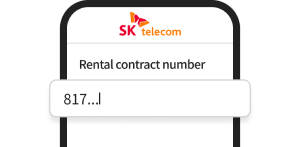
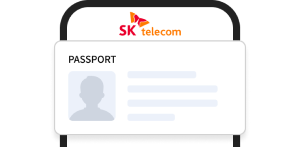
(i.e., last name, first name, passport number, date of birth, nationality)
- Tips for verification!
-
- If the authenticity of the passport information cannot be verified, please remove any special characters and spaces from the name and enter it again.
- The online passport information verification system is provided as a QR code in the email voucher and the contract, available every day from 8 AM to 10 PM.
- If you wish to verify passport information outside the available hours online, please proceed with the verification process at the airport roaming center.
 Swipe left and right to
 check the next step